← All projects
SpotGenius

User Management

Requirements and UX for a secure, efficient User Management system in SpotGenius: user roles, permissions, authentication, authorization and multi-tenancy. Users with access to more than one organization could see data across all of them, which is a privacy risk. The new system introduces role-based access and proper data segregation.

Role
UX Designer
Year
2023
Industry
Smart parking · B2B SaaS
Tools
Figma, Miro, Slack
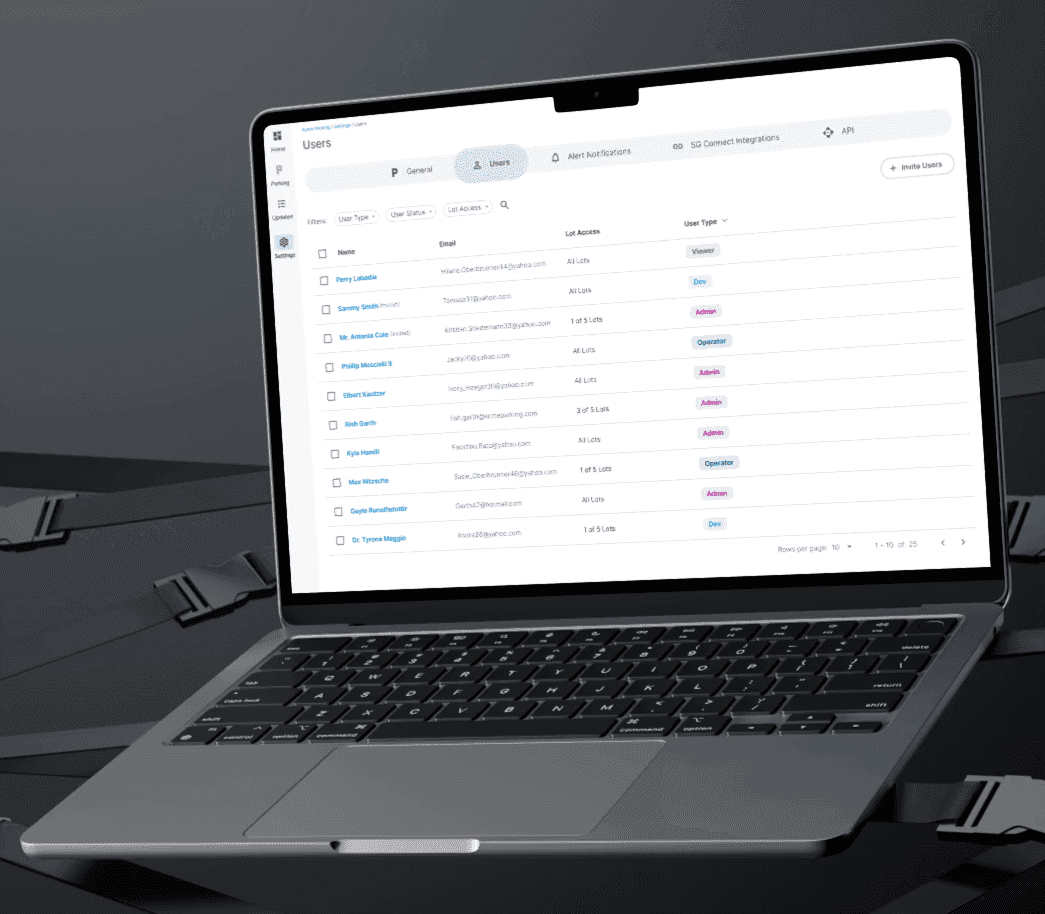
SpotGenius users table on a laptop
Problem

One role, every organization

Every user was assigned a single role at the profile level, and that role applied to every organization they belonged to.

Users with access to several organizations had no separation between them. Data from different customers could mix in reports and views, which is both a security concern and an easy way to make mistakes.

Decision

A role per organization, not per person

The permission model everything else sits on: where does a user's role live?

Role on the profile

One role applies to every org they can access.

Role per organizationChosen

Admin in one org, Viewer in another, data kept apart.

Why: Users who work across several customers need different rights in each, and each customer's data must stay separate. Attaching the role to the organization membership fixes both.

User personas

Who uses SpotGenius Admin

I defined personas for each user type to pin down what each one needs to do and where they should stop.

Super Admin

SpotGenius team
“Managing different organizations and the users within them. Troubleshooting technical issues.”

Customer success. Onboards new customers, sets up their parking lots and troubleshoots when they have issues.

Can

  • + Access every customer org, user, report and dataset
  • + Change other users' profiles, user types and passwords
  • + Change parking lot and organization settings
  • + Onboard new customers and parking lots

Limitations

  • None, full access

Technician

SpotGenius team
“I'm in the field, setting up SpotGenius for our customers.”

Installation specialist who sets up SpotGenius at customer lots and uses SG Admin to configure the lots they're working on.

Can

  • + Access all parking lots
  • + Set up and configure lots

Limitations

  • − Manage users

Customer Admin

Customer
“Managing my organization's users and parking lot settings.”

The highest role inside their own organization. Manages settings for the organization's lots.

Can

  • + Manage users in their own org
  • + Change user types in their own org
  • + Change parking lot settings

Limitations

  • − Create organizations
  • − Change users outside their own org

Customer Viewer

Customer
“Access reports and the DigiMap. No access to lot settings or the users page.”

Uses SpotGenius to monitor lots and pull reports.

Can

  • + View reports
  • + View the DigiMap

Limitations

  • − Change their own role
  • − Change which lots they can access
  • − Open lot settings or the users page

Pain points for the SpotGenius team

  • How do I troubleshoot effectively when something isn't working in a customer's lot?
  • How do I see ongoing performance and the system in a customer's environment?
  • I need a way to see what the customer is describing to me.

New user creation flow

Accounts are created by an admin rather than through self sign-up. The flow takes a new user from the admin's invite to an activated, configured account.

  1. 01
    Admin creates user
  2. 02
    System emails the user
  3. 03
    User clicks the link in the email
  4. 04
    User sets or changes their password on first login
  5. 05
    User completes their profile
    • · Profile picture
    • · Alert preferences
    • · Timezone
    • · Time format
  6. 06
    System activates the account

Proposed user structure

Roles are split into SpotGenius users and customer users. Instead of one role on the profile, a user belongs to one or more organizations and gets access to specific parking lots within each one, so data stays separated by organization.

  • User Management
    • Types of users
      • SpotGenius users
        • Super Admin
        • Administrator
        • Technician
      • Customer users
        • Administrative role
        • Operator
        • Viewer
        • Developer role
    • User properties
      • Name
      • Email address
      • Profile picture
      • Password
      • Address
      • Organization1 or more orgs
        • Role
        • Access to 1 or more parking lots in the organization
      • Settings
        • Timezone
        • Time format
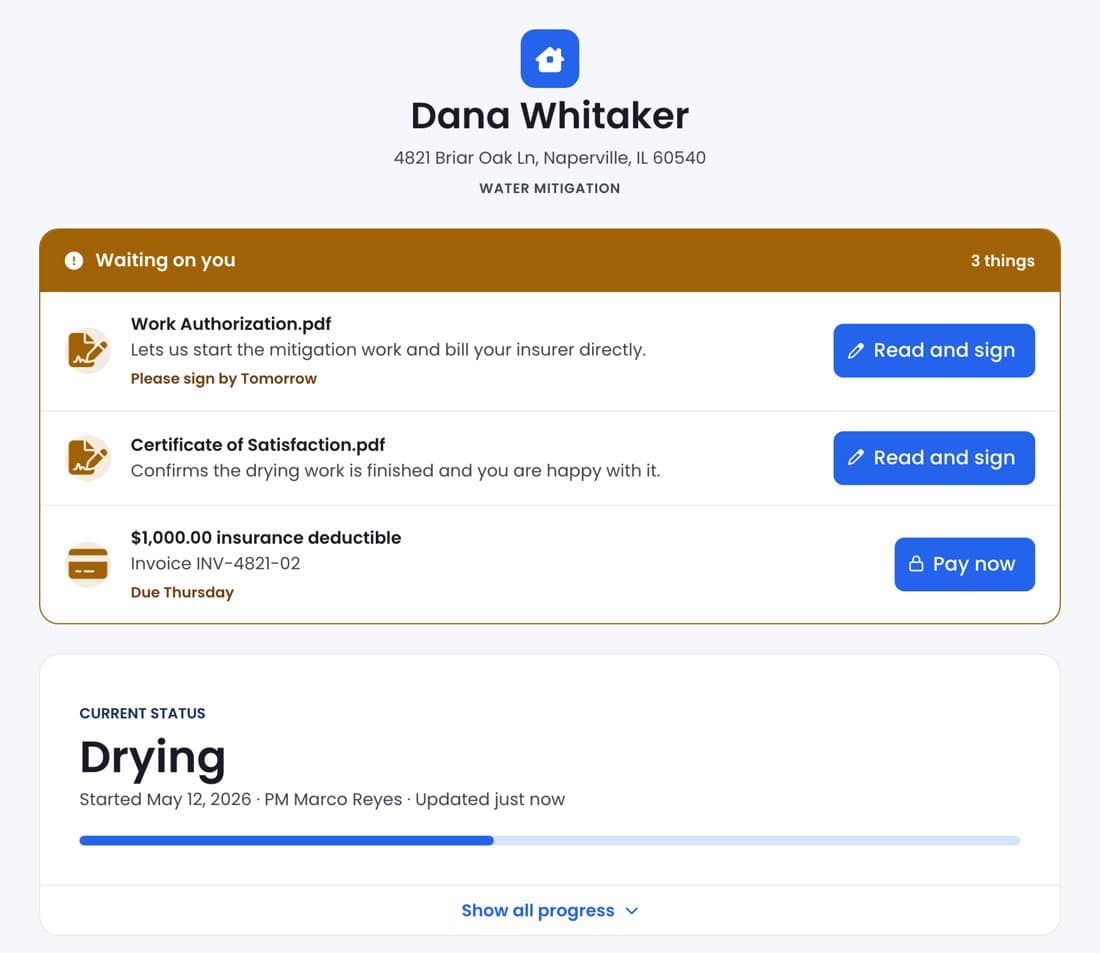
The homeowner's Customer Portal: what's waiting on them, and the job's live statusPassword protected
Albiware

Customer Portal

97 accounts and $1.91M ARR adopted it in the first 30 days

$1.91M ARR across adopting accounts
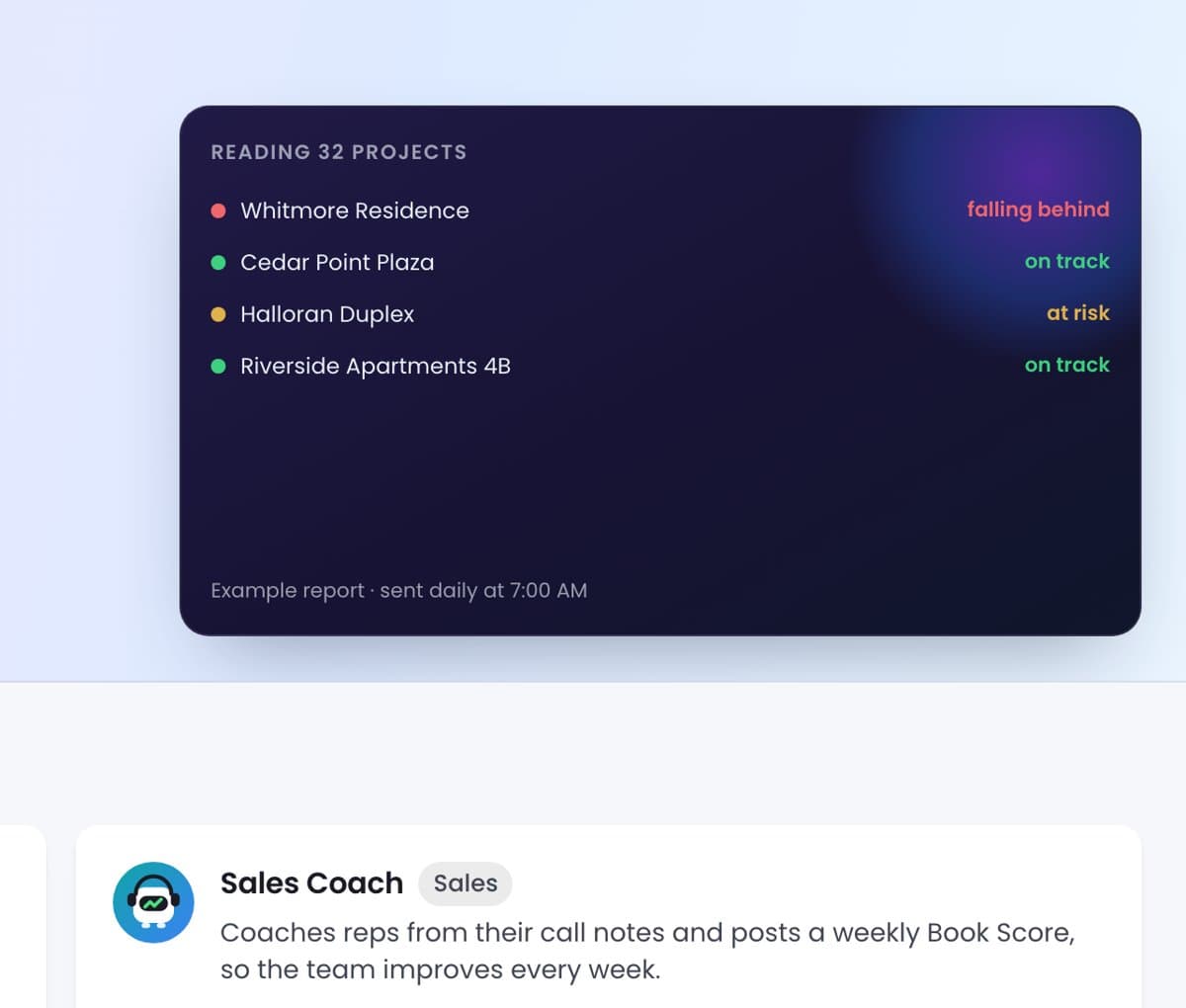
The Project Auditor's example report in the AI Agents hubPassword protected
Albiware

AI Agents Marketplace

Setting the direction for Albi's AI agents: one guided agent now, a marketplace later